
Ali GajaniJune 8, 20141 min read
How to fix the Wifi bug in Yosemite using Keychain reset?
Originally published on Mr. Geek.
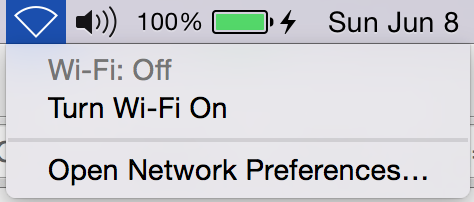
The Wifi bug in Yosemite’s current beta release is irritating. I am back on Ethernet now that Yosemite won’t let me connect to Wifi. Even when it does, it disconnects in a few minutes. Guess what - I’ve a bug fix that works.
Step 1:
Open Keychain using Spotlight (Cmd+Space).
Step 2:
Go to Keychain Access > Preferences.
Step 3:
Click “Reset My Default Keychain”.
Step 4:
Restart your Mac.
Step 5:
Turn on the Wifi and it should work and hopefully not disconnect.